AUDIO TO MIDI · FIRST-PASS REVIEW
How to review a first-pass audio to MIDI result.
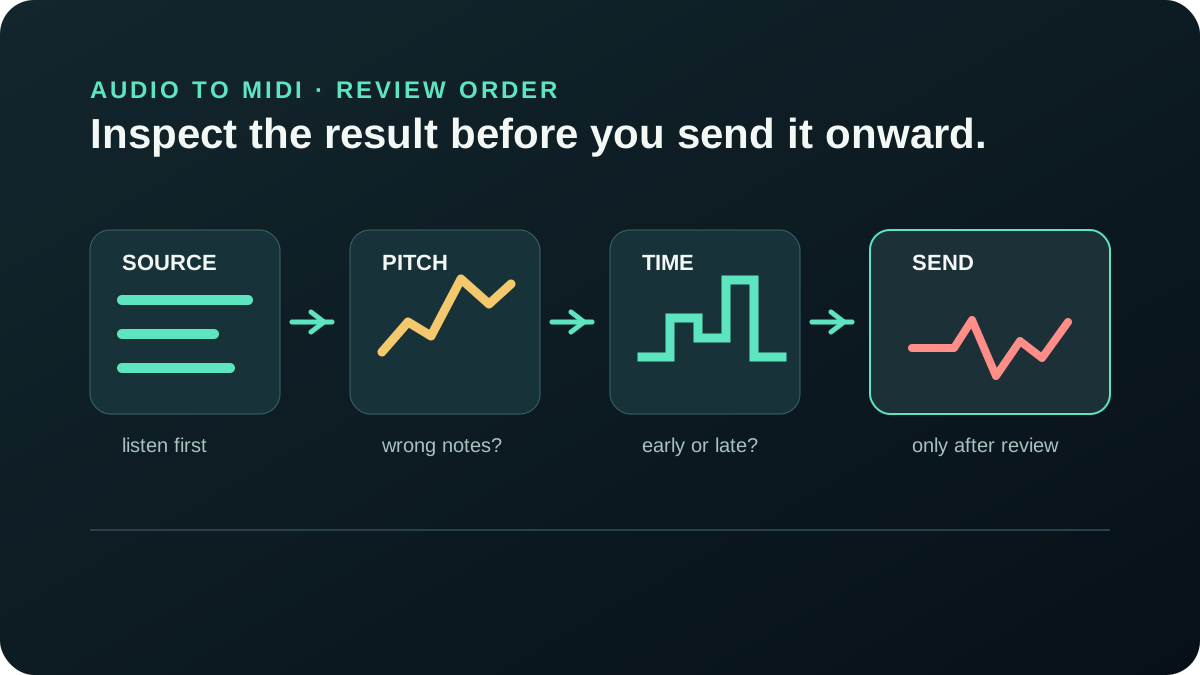
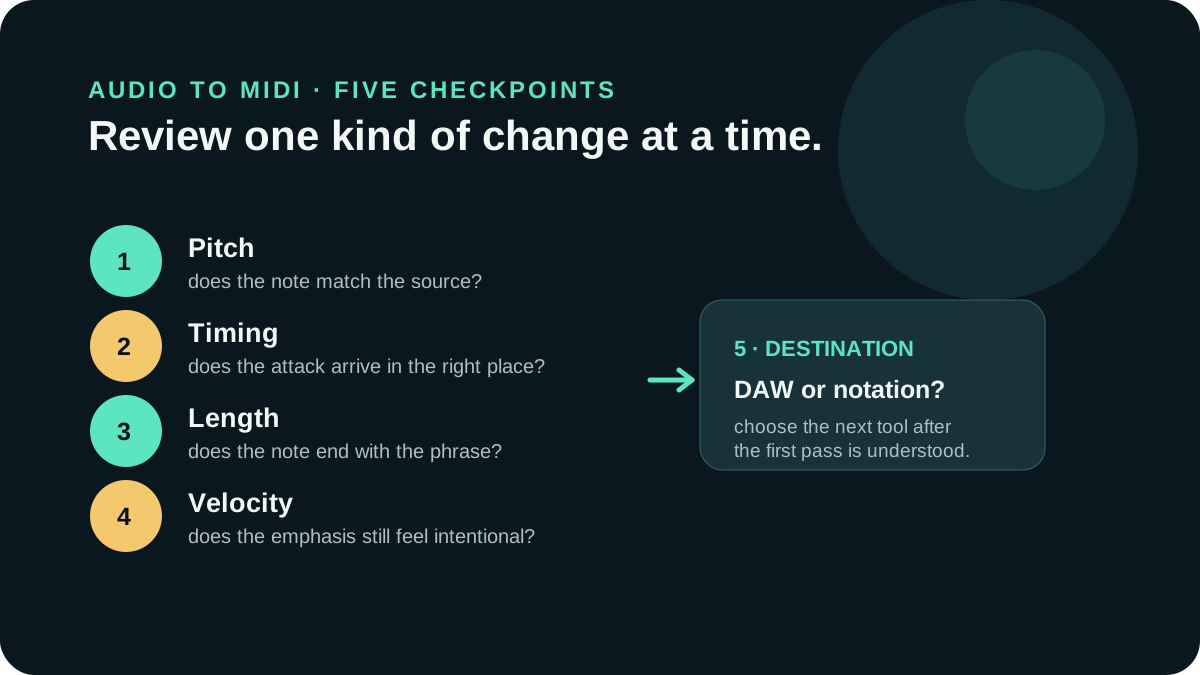
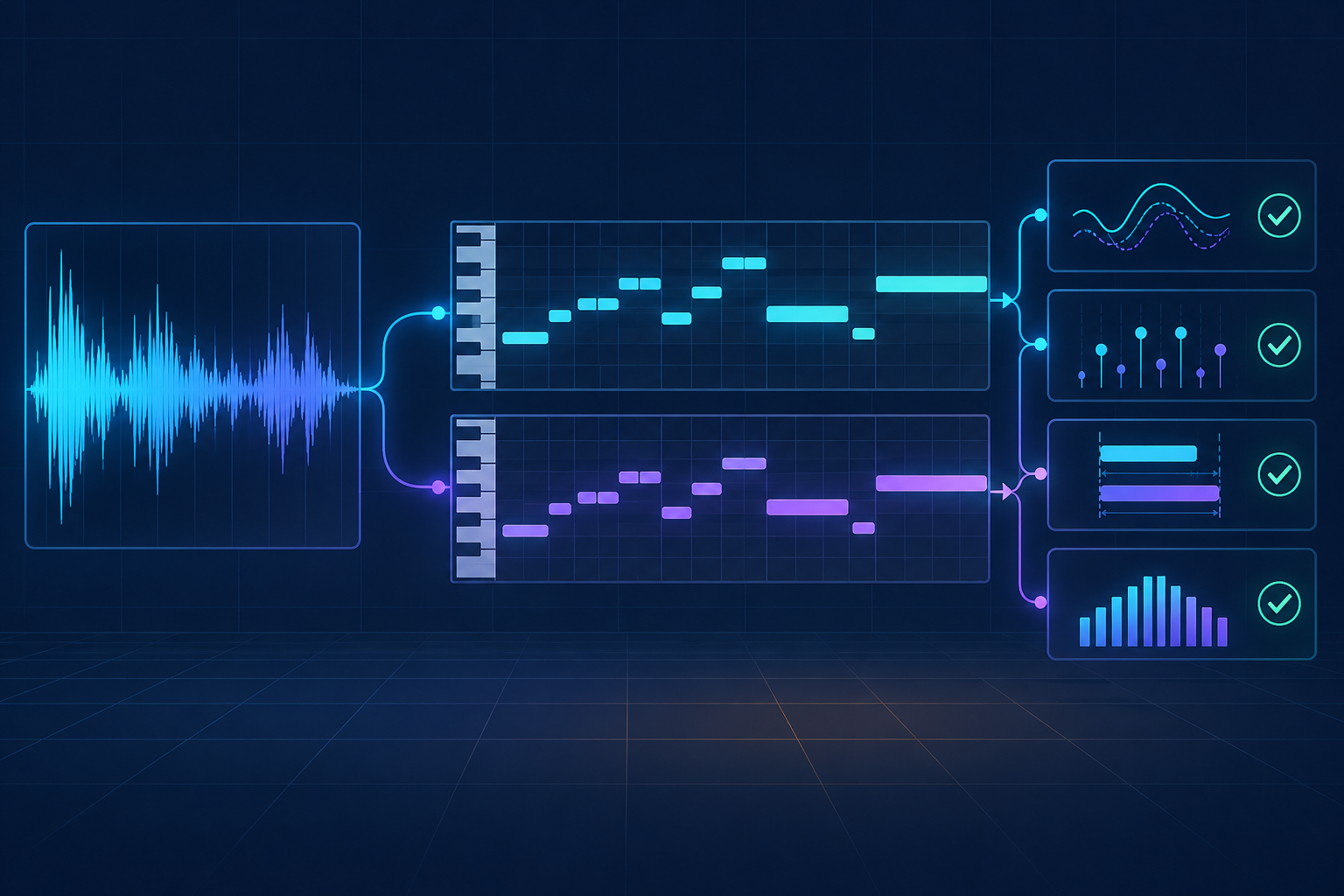
Before sending a first-pass MIDI file to a DAW or notation tool, compare it with the source in a fixed order: pitch, timing, note length, and velocity. Keep the original audio and the untouched MIDI nearby, then edit a copy only after you know what the conversion actually produced.
What should you check before sending a first-pass MIDI onward?
Start with the recording you meant to transcribe, not with the neatness of the MIDI grid. Listen to a short passage, open the corresponding MIDI passage, and ask whether the notes describe the same musical event. A first pass is a translation to inspect; it is not the source recording and it is not automatically a finished arrangement.
The MIDI Association describes MIDI as information about musical performance, while the Library of Congress description of Standard MIDI File treats it as structured sequence data with .mid and .midi filename extensions. That distinction is the reason to review the first pass against the audio before choosing a DAW or notation destination.
Begin with the source and a short listening loop.
Keep the source audio, the downloaded MIDI, and a small note about the conversion in one working folder. Choose a passage that contains the musical idea you care about, then listen to it more than once before changing anything. If you cannot tell what the source is doing, a grid edit can hide the problem instead of solving it.
- Play the source passage and name the audible event: a melody, a held note, a rest, or a change of emphasis.
- Find the same passage in the MIDI editor and check whether its note events are present.
- Write down the first mismatch before making an edit, so the review remains traceable.
This is also where a browser-local workflow is useful: the Audio to MIDI tool on this site accepts one selected local audio file and returns a standard .mid download without uploading the selected audio. You can keep the source beside that first result and make the comparison on your own device.
What exactly are you reviewing?
You are reviewing a sequence of note events, not a second recording. The Library of Congress overview of Standard MIDI File describes MIDI files as structured sequence data and notes that the format does not itself provide audio rendering. The MIDI Association message summary identifies key number and velocity fields in Note On and Note Off messages. That is why the review should name a pitch, position, duration, or emphasis problem instead of asking whether the file sounds identical on its own.
There is a useful implementation boundary too. The browser tool decodes the selected file through the browser audio pipeline, tracks stable pitched frames, and writes Note On and Note Off events from the detected start, end, MIDI pitch, and velocity values. The W3C Web Audio API specification documents the browser APIs used for processing and synthesizing audio; it does not turn those APIs into a promise about transcription quality. Treat these as code-level observations about this version of the tool, then use the source comparison to decide what to keep.
- Pitch: does the note number follow the audible contour?
- Position: does the note begin where the source event begins?
- Length: does it release at the right point, or is it merged with a neighbor?
- Velocity: does the rendered instrument preserve the intended emphasis?
Check pitch before you correct timing.
A note in the wrong register can make a later timing decision misleading. Compare the pitch contour of the source with the MIDI notes first: does the phrase rise, fall, repeat, or hold where you expect? Mark isolated wrong notes separately from a passage that is consistently displaced by an octave or another interval.
Do not use a quantize command to repair a pitch problem. Pitch and timing are different observations, and combining them in one edit makes it harder to hear which choice improved the result.
Check timing and note length as separate decisions.
After the pitch contour is understandable, listen to where each note begins. A note can have the right pitch but arrive early, late, or at the wrong rhythmic subdivision. Then inspect where it ends. A held source note may be shortened in the first pass, while two close events may be joined or split in a way that changes the phrase.
The Ableton Live Reference Manual describes moving MIDI notes on time and pitch axes, changing note length, and adjusting velocity. Use that separation as a review habit: check position, then duration, and only then decide whether a lighter or more deliberate correction is appropriate.
Use the same comparison when you repeat the test.
If you are comparing a new first pass with an earlier one, keep the source passage, playback instrument, and review order fixed. Save the untouched output, make a clearly named copy, and write down only the first mismatch you can hear or see. This keeps a correction explainable: you can tell whether you changed pitch, note placement, duration, or velocity instead of changing several variables at once.
- Mark the passage in the source audio.
- Play that same passage against each MIDI version.
- Correct one property and save a new version.
- Repeat the comparison before moving to notation or arrangement.
Listen for dynamics before changing velocity.
Velocity is not the same thing as audio loudness, but it can still affect how the MIDI sounds when a software instrument plays it. Compare accents and phrase endings with the source. If a note is technically present but the emphasis is wrong, record that as a velocity observation instead of moving the note to a new beat.
Use the same instrument while comparing versions whenever possible. Changing the sound at the same time as pitch, timing, or velocity adds another variable and can make a small MIDI change sound larger than it is.
Should you send a first-pass MIDI straight to a DAW?
You can, but do not treat the import as approval. Keep the untouched first pass, inspect a representative passage against the source, and create a clearly named working copy before editing. A DAW is a useful place to arrange and audition the notes; it does not remove the need to decide whether the notes, timing, lengths, and emphasis match the recording.
When is a reviewed MIDI ready for notation?
A MIDI file is ready for a notation tool when you understand the remaining mismatches and accept them for the next purpose. For a readable score, check the note range, rests, ties, and phrase boundaries after the first-pass review. If the file still represents a dense mix or several voices that were not separated cleanly, keep that limitation visible instead of presenting the notation as a definitive transcription.
Use MIDI to Sheet Music when you want to render a reviewed MIDI file as notation. If you need another source conversion, return to Audio to MIDI; if the result needs detailed pitch, timing, length, or velocity edits, use the audio to MIDI editing guide.
What is the simplest first-pass review rule?
Keep the source and the first MIDI result unchanged, listen to the same short passage in both, and write down the first mismatch before editing a copy. Review pitch, timing, length, and velocity as separate questions. Then choose whether the next destination is a DAW for arranging or a notation tool for reading.
For the file trail that keeps those decisions recoverable, see how to name and archive an audio to MIDI project and how to save and compare audio to MIDI versions.