AUDIO TO MIDI · FILE ORGANIZATION
How to name and archive an audio to MIDI project.
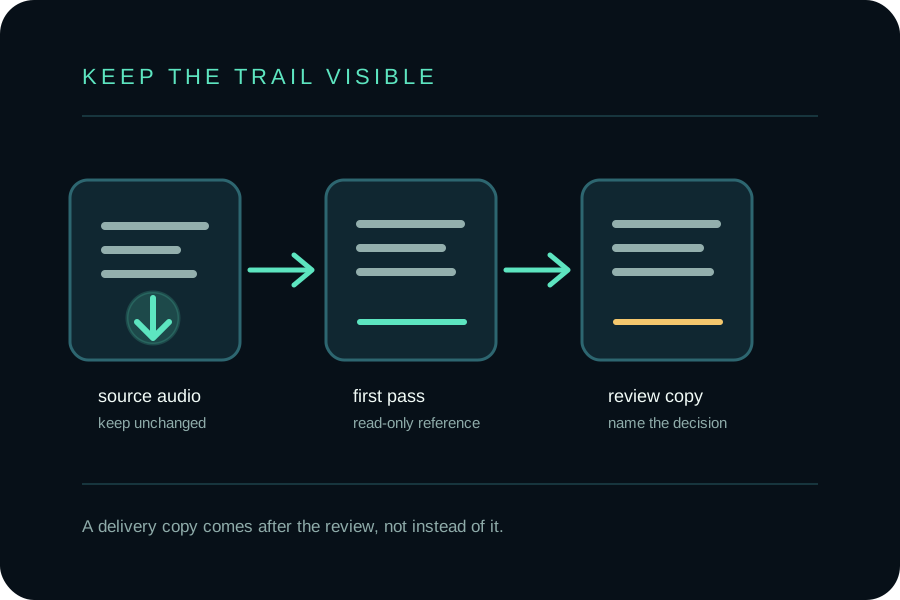
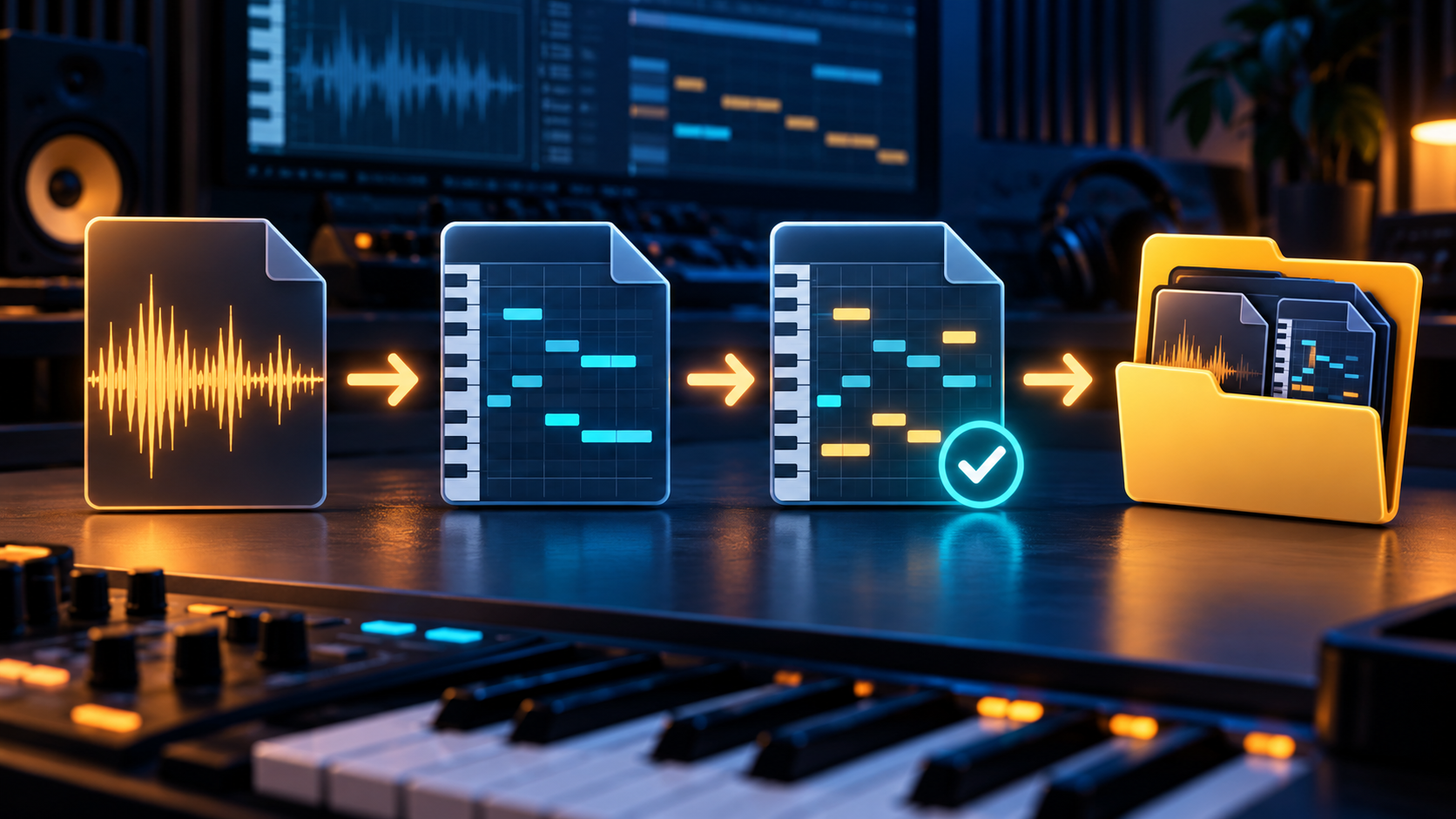
Keep the original recording, the first MIDI export, the copy you review, and the file you deliver as separate, clearly named artifacts. A small naming rule makes it possible to recover the first result instead of guessing which edited file came first.
Why archive the first audio to MIDI result?
An audio to MIDI conversion produces editable event data, not a second copy of the recording. The Library of Congress description of Standard MIDI File classifies the format as structured and symbolic, and lists .mid and .midi as filename extensions. Keep the audio as the listening reference and the first MIDI export as the record of what the conversion produced.
The first export is useful even when it contains wrong notes. It gives every later edit a starting point: you can tell whether a change corrected a transcription problem, changed the musical idea, or only changed the instrument used for playback.
What should the project folder contain?
Use one folder named for the musical idea or recording, then keep the source and MIDI artifacts together. A compact layout can contain the original audio, the untouched first pass, a review copy, a delivery copy, and a short plain-text note describing what changed. The folder is a working convention; it is not a requirement of the MIDI format.
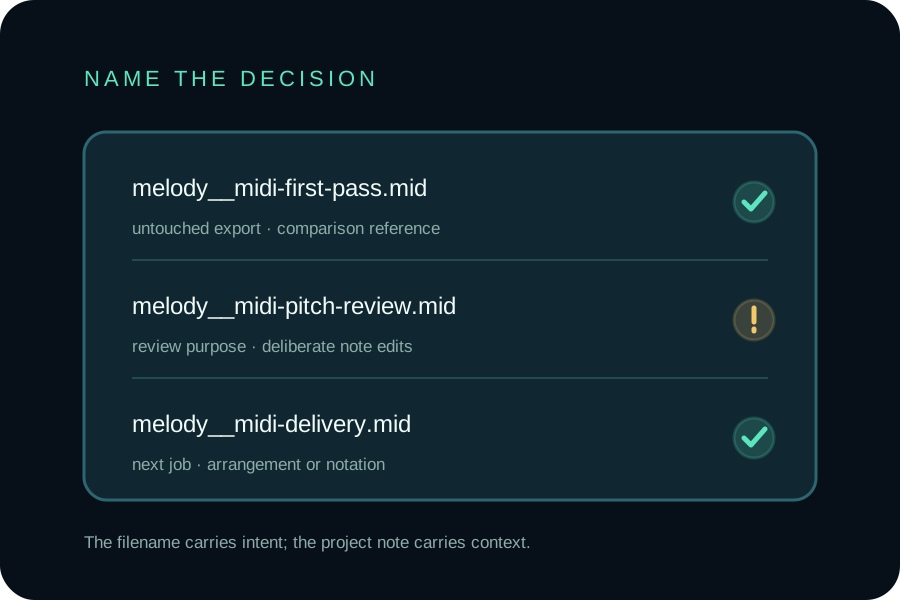
- Source: keep the original MP3 or WAV with its identity intact.
- First pass: save the downloaded result as
melody__midi-first-pass.mid. - Review copy: use a purpose name such as
melody__midi-pitch-review.midormelody__midi-timing-review.mid. - Delivery copy: use a separate name when the file is ready for a DAW session, notation tool, or another person.
The double underscore is only a readable separator. The important distinction is between the untouched file and a file that contains an intentional decision.
What belongs in a project note?
Create a small note beside the files and write facts you will otherwise forget: the source filename, the date you ran the conversion, the page or tool used, the purpose of each MIDI copy, and the edits you accepted. If a later copy sounds different, the note gives you a reason to inspect that version instead of treating every difference as a conversion error.
The note can also record a listening decision: “pitch checked,” “timing left free,” or “prepared for notation.” These are descriptions of your review, not claims that the converter has made a final judgment.
How should you name the browser download?
Use the selected recording's name as the anchor, then add the role or review stage when you save a copy. The MDN File.name reference explains that a browser File exposes the file name without its path. That makes the name useful for tracing a result back to a source while keeping the local folder path out of the browser value.
In the current local implementation, the selected filename stem is used for the downloaded MIDI name and the .mid extension is appended. That is a reproducible implementation observation, not a claim about transcription quality. If you create a reviewed copy, add a clear suffix such as __pitch-review instead of silently replacing the first-pass file.
How should you compare the copies?
Start with the source audio, then audition the first pass and the review copy using the same instrument and starting point. Compare pitch, note position, note length, and dynamics one at a time. The Ableton Live Reference Manual describes MIDI notes through pitch, length, position, and velocity, and documents moving notes, changing their length, and adjusting velocity in the editor.
Do not replace a first pass just because a piano-roll view looks tidier. A grid edit can improve timing while changing the feel of the source. Keep the earlier copy until you have listened to the change and recorded why you kept it.
Should you rename the first MIDI export?
Yes, a descriptive name is helpful, but do it without overwriting the first-pass meaning. Save the untouched export under a first-pass name, then rename or save a copy for the review decision. If you already edited the only copy, make a note of that fact instead of presenting it as an untouched conversion.
What comes after the archive?
Use the Audio to MIDI tool when you need another local first pass. Use the audio to MIDI editing guide when you are checking pitch, timing, note length, or velocity. If the next job is readable notation, open MIDI to Sheet Music after you choose the MIDI copy you want to render.
The MIDI Association overview is a useful reference for the distinction behind this workflow: MIDI describes musical performance data rather than recorded sound. The archive therefore preserves both the sound you heard and the editable instructions you chose to keep.
Can I keep the source audio beside a browser conversion?
Yes. The Audio to MIDI tool on this site processes one selected audio file in the visitor's browser and returns a standard .mid download. The selected audio is not uploaded by the converter. After downloading, you decide where to keep the source and the MIDI copies on your own device.
What is the simplest archive rule?
Never make the only copy carry two meanings. Keep one file that represents the first conversion, make a new file for a review decision, and use another name when the MIDI is ready for a new arrangement or notation workflow.