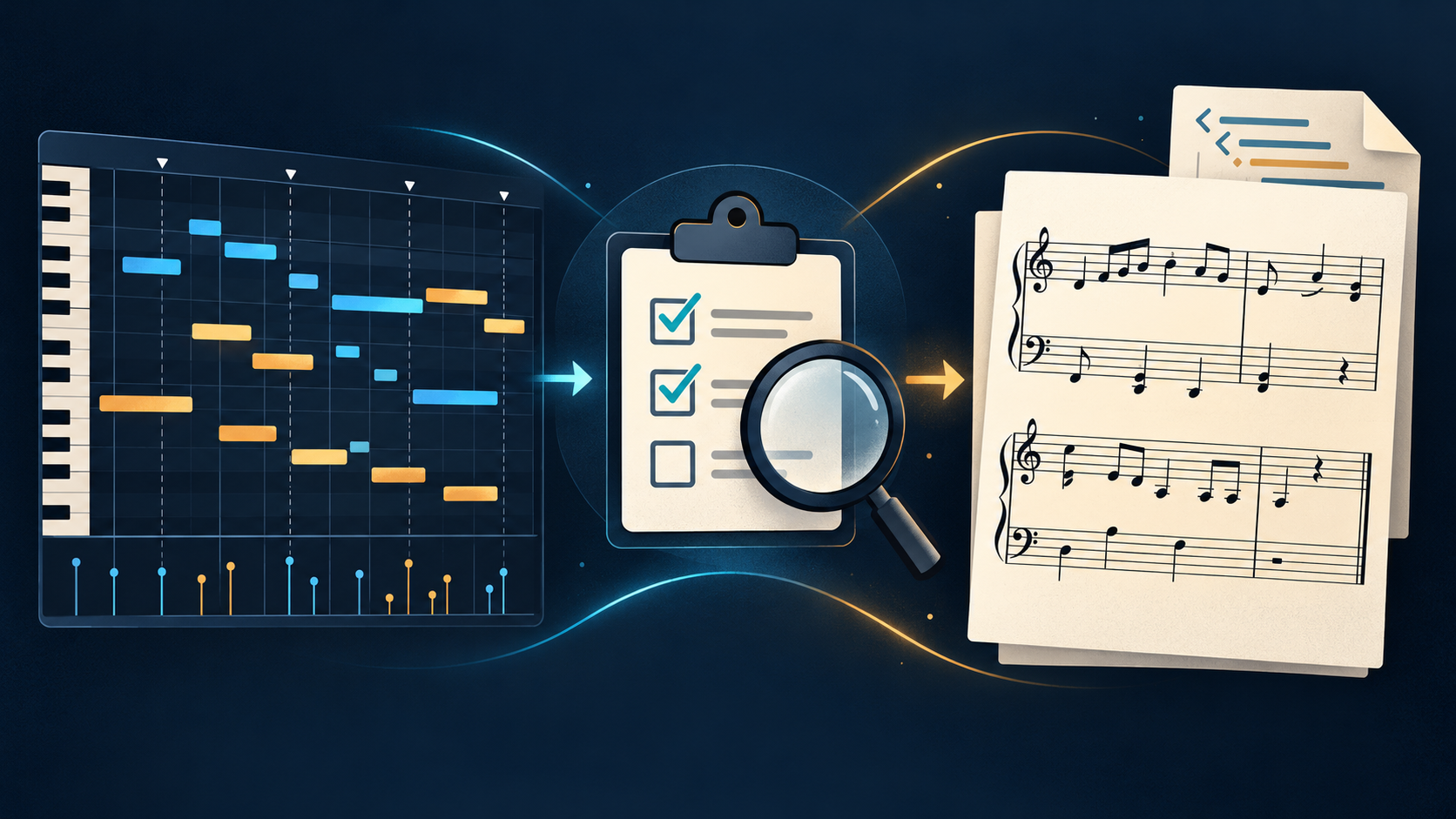
Turn one MIDI file into a readable five-line score in your browser.
Before sending a MIDI copy to notation, listen to the result and check pitch, note starts, note lengths, rests, and bar boundaries; export MusicXML only after the score reads cleanly.
Drop one MIDI file hereor choose from your device
.mid · .midi · Type 0 or Type 1
MID
Your MIDI stays in this browser. Nothing is uploaded.
SCORE READY
Your sheet music is ready
WHAT THIS PAGE SUPPORTS
What can you convert to sheet music?
This page accepts one standard MIDI file with a .mid or .midi extension. MIDI Type 0 and Type 1 files are parsed in the browser, then their notes are placed on a five-line staff for a first readable score.
The rendered score can be downloaded as a PDF or PNG, or saved as MusicXML for continued editing in notation software. The selected MIDI file is read with browser JavaScript and is not sent to this site.
WHAT THIS PAGE DOES NOT DO
What files are not supported?
This page does not convert MP3, WAV, FLAC, M4A, or OGG audio. Those are audio inputs for the separate Audio to MIDI tool; this page starts with MIDI data.
It handles one file per run. There is no multi-file batch queue, account system, upload endpoint, or saved conversion history. If you want to start with an audio file and reach a score in one flow, use Audio to Sheet Music.
BEFORE YOU EXPORT
What should you verify before sending MIDI to sheet music?
Start with the MIDI, not the printed page: listen to a short passage and check pitch, note starts, note lengths, rests, and bar boundaries. If those events are unclear, the notation editor still has to interpret them.
MIDI carries performance events such as pitch, position, length, and velocity. MusicXML serves a different job: it is an interchange format for sharing common Western notation between music applications. That is why a rendered score is a useful first pass, not a promise of finished engraving.
Compare the first few bars with what you hear, including the starting pitch and octave.
Look for notes that start late, stop early, overlap, or create rests you did not intend.
Check the bar lines and beat grouping before saving MusicXML for another editor.
Keep the original MIDI beside the exported MusicXML so you can return to the event data during cleanup.
Check the note events before treating the exported score as final.
What does a clean handoff look like?
Keep the original MIDI, review a copy, then export MusicXML for notation software. Save the MIDI and MusicXML together so you can return to the event data if the score needs cleanup.
This page renders a first score and offers PDF, PNG, and MusicXML downloads in the browser. It does not claim that every imported performance is already engraved for publication.
COMMON QUESTIONS
MIDI to sheet music questions
Does this MIDI to sheet music converter upload my file?
No. The file is read with arrayBuffer() in your browser. There is no upload request in the conversion flow.
Can I export the sheet music as PDF?
Yes. After rendering, use the PDF button for a downloadable score image in a PDF file. PNG and MusicXML downloads are available beside it.
Can I convert multiple MIDI files at once?
No. This page intentionally accepts one MIDI file per run so the workflow stays local and easy to inspect.
Can I edit the result in notation software?
Download MusicXML and open it in a notation editor that supports MusicXML. The exported file contains the notes and basic measure structure from the selected MIDI.