AUDIO TO MIDI · SOURCE CHECK
When does an audio to MIDI result need a cleaner source?
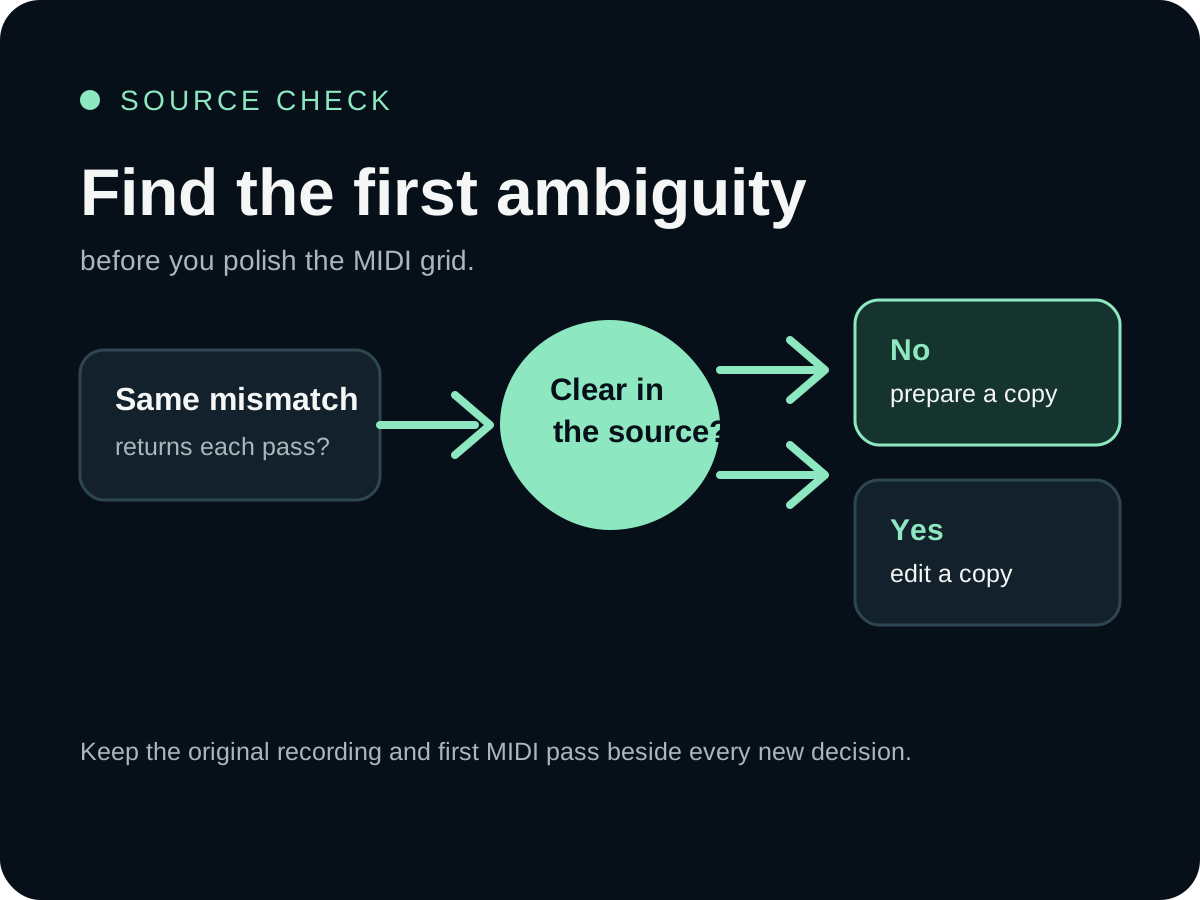
Prepare a cleaner source before converting again when the same confusing note pattern returns across passes, the attack of a note is hidden by noise or room sound, or several overlapping parts make the target line impossible to separate. Edit the MIDI first when the source event is clear and the problem is isolated to a note position, length, pitch, or velocity choice.
What should a clean audio source contain before conversion?
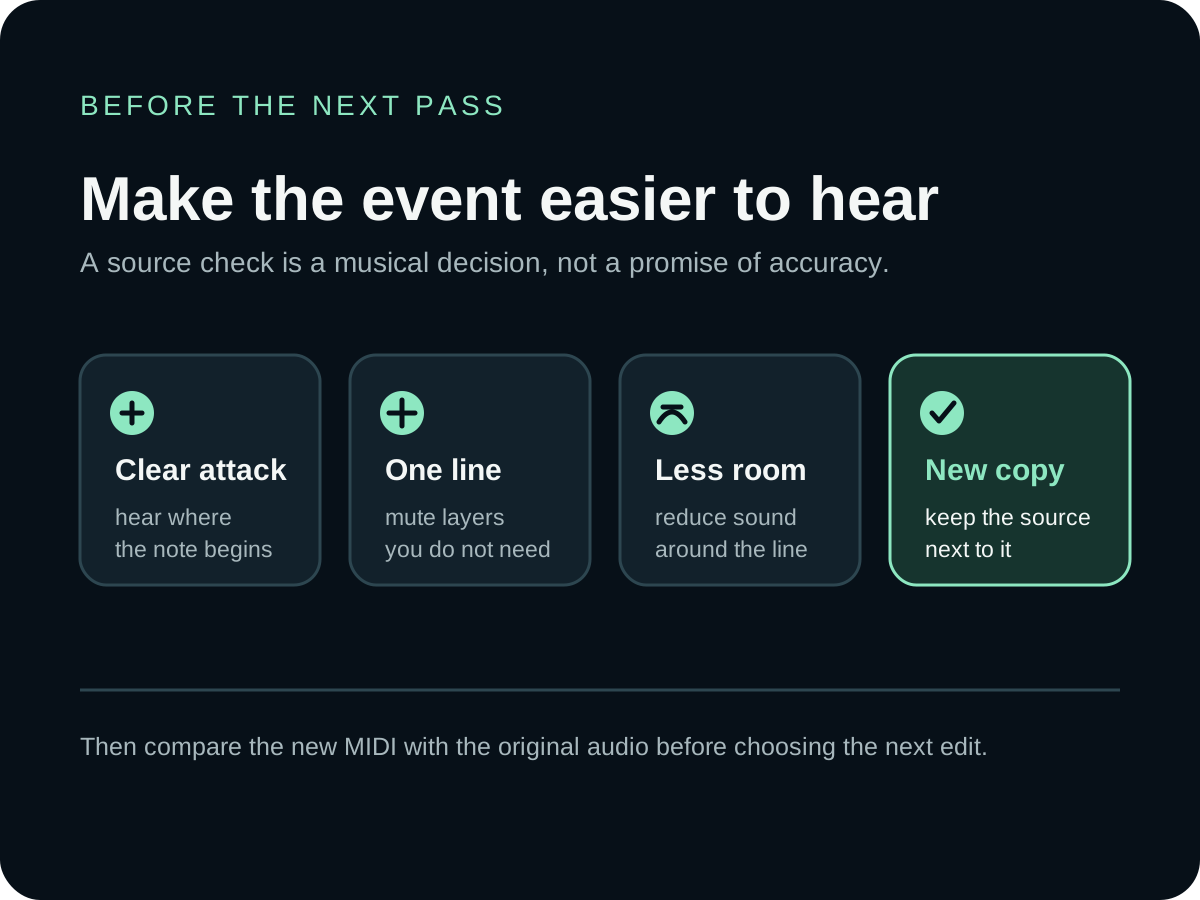
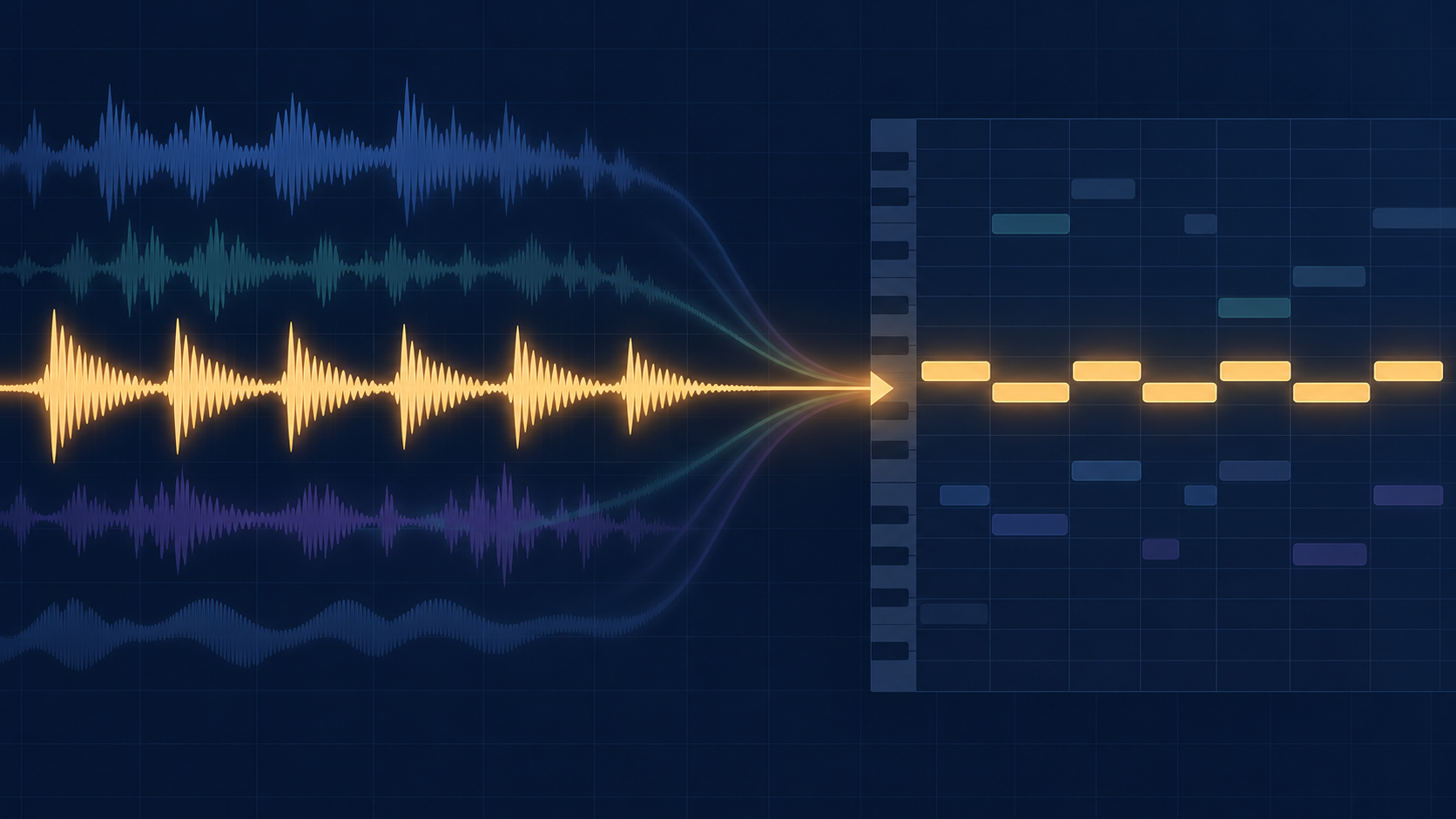
Use a complete file with one identifiable target line, audible note starts and releases, and as little competing room sound or accompaniment as your recording allows. The goal is not to make the waveform look uniform; it is to make the musical event you want to transcribe easier to distinguish from everything around it.
- One target: begin with a vocal, melody, or instrument line you can name before you open the MIDI editor.
- Clear attacks and endings: listen to the first and last moments of the passage so a note is not hidden by a noisy pickup, reverb tail, or another part.
- Less overlap: mute unrelated layers or prepare a separate stem when the target line shares time and frequency space with several parts.
- A complete copy: keep the original recording and export the prepared take as a separate file for a fair comparison.
Spotify's Basic Pitch README gives a useful external reference point: its model supports polyphonic instruments but works best on one instrument at a time. That is guidance about Basic Pitch, not a performance promise for this site; it supports the narrower practice of testing a clear line before a dense mix.
A complete file also matters at the browser boundary. MDN's decodeAudioData reference explains that the method decodes complete audio file data from an ArrayBuffer. In this site's current workflow, the selected local file is read into an ArrayBuffer and decoded before note tracking, so an unfinished or partial export is not a useful test input.
What does a cleaner source change?
A cleaner source does not mean a MIDI file that looks tidy. It means a recording in which the musical event you want to capture is easier to distinguish from other sound. The MIDI Association describes MIDI as information about a musical performance, while the Library of Congress description of Standard MIDI File describes a structured, symbolic wrapper for MIDI data. Your source is therefore the listening reference; the MIDI is the editable result that you must compare with it.
If the same wrong note, missing attack, or extra cluster appears whenever you convert the same passage, the useful question is not “Which grid command makes this look better?” It is “What in the recording makes this event ambiguous?” That distinction helps you avoid polishing a symptom in a file that will be converted again later.
Which signs point back to the recording?
Listen to the target passage and identify the first moment at which the intended line becomes unclear. A cleaner source is worth trying when the uncertainty is already audible before conversion.
- Repeated mismatch: a fresh pass produces the same misplaced or missing event in the same passage.
- Hidden attack: the beginning of a note is covered by room sound, a noisy pickup, or another sound.
- Overlapping parts: the line you want shares time and frequency space with other voices or instruments.
- Unclear target: you cannot say which note or rest the source is supposed to represent before opening the MIDI editor.
These are diagnostic signals, not promises about a particular converter. The point is to decide whether another pass has a clearer input to work with.
How should you prepare the next source take?
Keep the musical line you want to transcribe on its own when you can. For a vocal or instrument recording, reduce avoidable room sound, keep the intended attacks audible, and avoid adding another harmony or instrument just before the next pass. Export the prepared take as a separate file so the original recording remains available for comparison.
- Write down the exact passage and musical line you are trying to capture.
- Remove or mute unrelated layers while keeping the target performance intact.
- Listen to the beginning and ending of each target note before exporting.
- Keep the original beside the prepared file, then convert the prepared copy.
The Jukeblocks Audio to MIDI page also explains that simple, clear recordings are a better starting point than a full mix and that a dense result may need editing. The practical extension here is to preserve the source decision: if the line is not clear in the recording, make that the next thing you improve.
When should you edit the MIDI instead?
Edit the MIDI first when the source event is clear and only one part of the result needs a deliberate correction. For example, you may hear the right pitch but see a note begin at the wrong position, end too soon, or carry the wrong emphasis. The Ableton Live Reference Manual treats pitch, note length, position, and dynamics as separate parts of MIDI note data. Keeping those observations separate makes a small edit easier to explain and compare.
Make the edit on a named copy and keep the first export unchanged. If the correction is isolated, changing the source may throw away a useful recording when a focused MIDI decision would have been enough.
Should you clean the audio or the MIDI first?
Clean the audio first when the mismatch repeats or the intended event is unclear in the source. Edit the MIDI first when you can point to a clear source event and the error is isolated to a note property such as pitch, position, length, or velocity. Keep both the original audio and the untouched first MIDI pass, so the next decision is based on a comparison rather than memory.
How does the local browser workflow fit?
The Audio to MIDI tool on this site accepts one selected local audio file in the visitor's browser and returns a standard .mid download without uploading the selected audio. Use a prepared copy when you want to test a clearer source, and keep the original file beside both results on your own device.
If the result is usable but needs a deliberate correction, follow the first-pass review order before opening a DAW. If you need a file trail for the original and edited results, see how to name and archive an audio to MIDI project.
What is the simplest source-first rule?
Listen for the first ambiguity before changing the MIDI. If the recording does not make the target line clear, prepare a separate source take and convert that copy. If the source is clear and the mismatch is specific, preserve the first pass and make a named MIDI edit instead.
After the source check, you can use the MIDI to Sheet Music tool to render a MIDI file for notation, or return to the Audio to MIDI tool for another browser-local pass.