AUDIO TO MIDI · A PRACTICAL GUIDE
Audio to MIDI: what the conversion gives you.
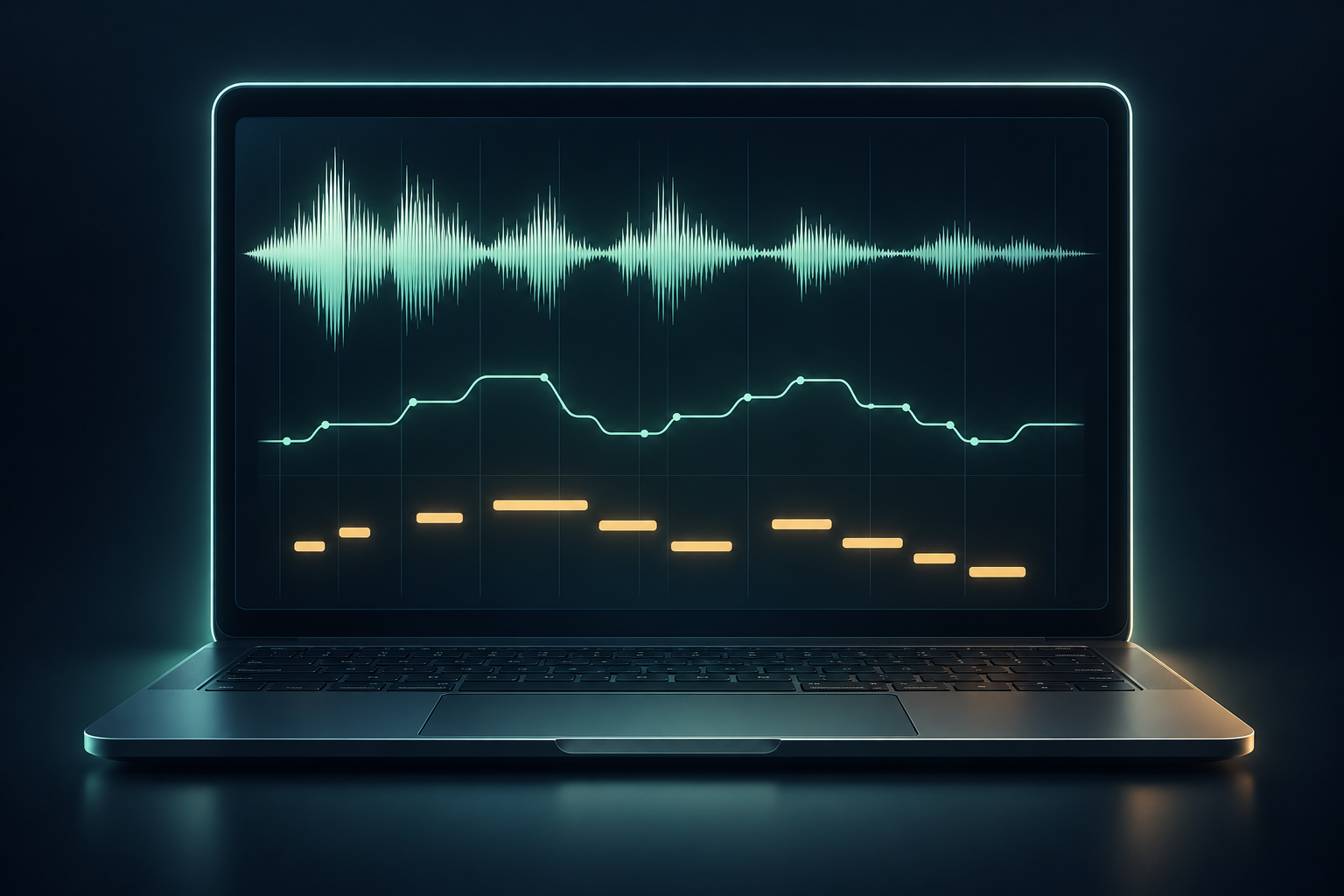
Before using an audio to MIDI result in notation, compare its pitch, start position, note length, and velocity with the source recording. You get editable note data—not a copy of the original sound—so review the MIDI before building a score from it.

What changes when audio becomes MIDI?
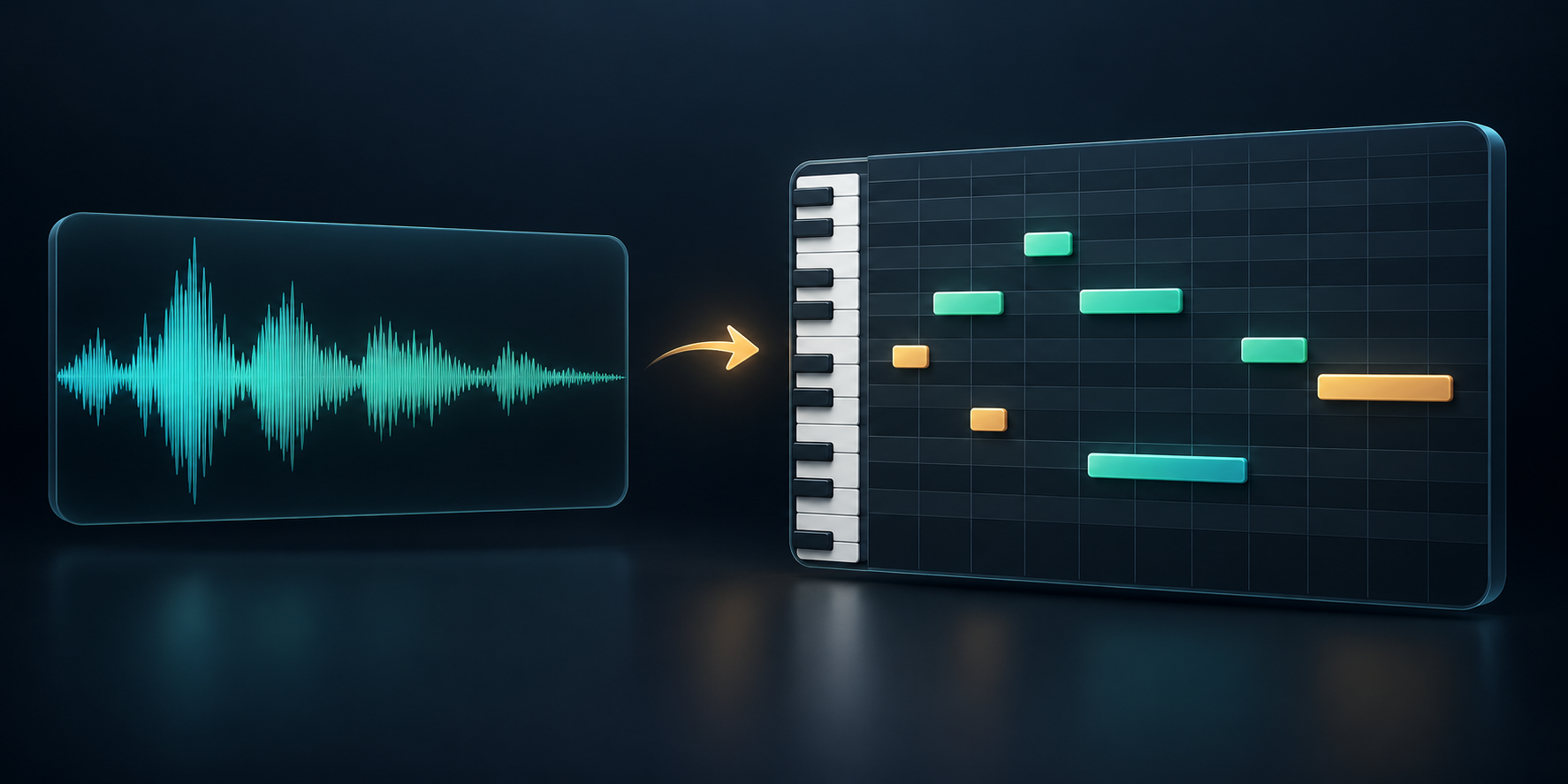
A recording stores sound as audio. MIDI stores musical instructions such as note events and their timing. The Library of Congress description of Standard MIDI Files classifies the format as structured, symbolic sequence data; the MIDI Association's overview is another starting point for the format.
That distinction matters after conversion: the MIDI file does not carry the singer's tone, guitar timbre, room sound, or recording mix. A DAW or notation app plays the note events using an instrument or sound source that you choose.
Which note fields should you inspect?
The MIDI Association's MIDI 1.0 message summary describes Note On and Note Off events with a key number and velocity. For a first review, read the exported result as a small set of practical fields:
- Pitch: the note or key number that the event represents.
- Position and length: when the note starts, when it ends, and therefore how long it is held.
- Velocity: an attack value that can change how a receiving instrument responds.
In the current MP3toNotes browser implementation, each accepted detected note becomes a Note On event at its start and a Note Off event at its end; its velocity is derived from the signal level. That is a description of this implementation, not a promise about every audio-to-MIDI converter.
Why does the source recording affect the result?
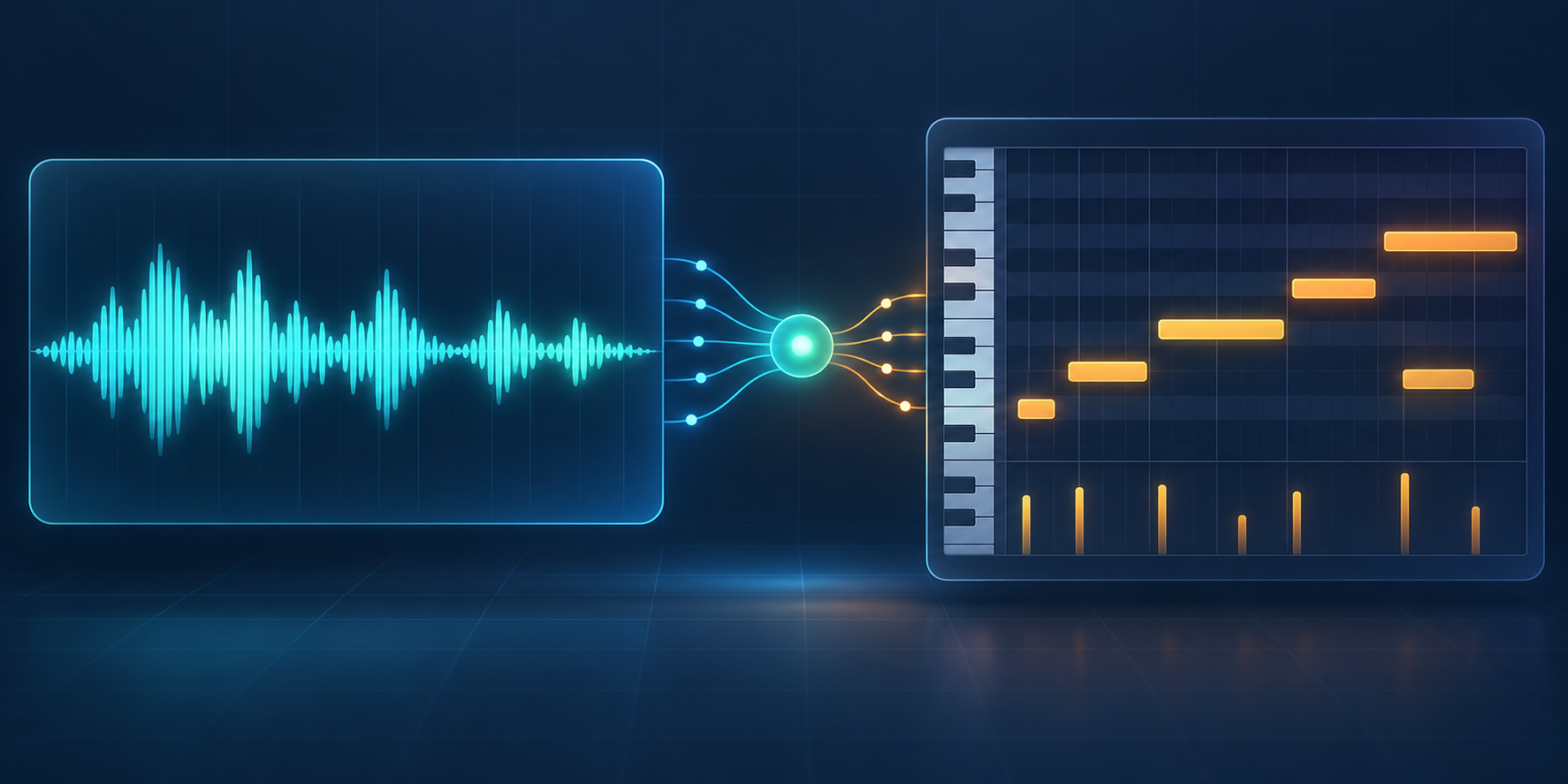
Audio-to-MIDI is an analysis step, not a lossless file-format swap. This site's converter uses a local Web Audio pitch tracker to estimate notes from one selected file. Clear vocals or a single instrument give the tracker a more focused signal to follow; overlapping parts and a dense full mix can make a first pass harder to interpret.
The W3C Web Audio API specification describes browser APIs for processing and synthesizing audio. It explains the browser technology used for audio work, not a guarantee about transcription accuracy. The generated notes still need listening and review.
What should you inspect before using MIDI in notation?
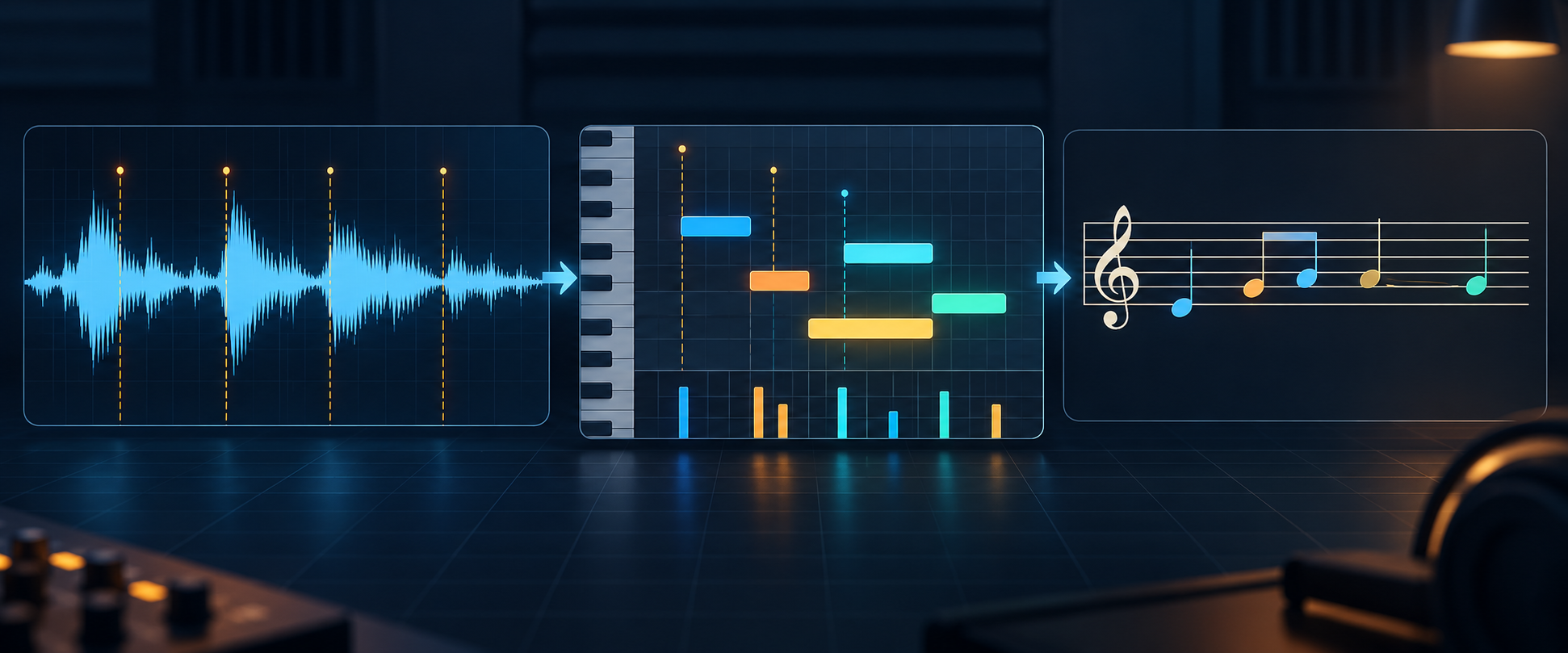
Check the MIDI in the same order that a notation editor exposes its events: pitch, time, duration, and emphasis. The Ableton Live Reference Manual describes pitch on the note ruler, position along a time ruler, note length, and a separate velocity editor lane. That gives you a practical review vocabulary before you turn the file into a score.
- Pitch: play or inspect each note against the source so an octave or neighboring-note error is visible before notation makes it look settled.
- Starts and rests: check where notes begin and whether gaps in the recording remain gaps in the MIDI sequence.
- Length: compare releases and sustained notes, not only the first attack.
- Velocity: review emphasis separately from pitch; a notation editor may render dynamics differently from a MIDI instrument.
Only after those checks should you clean up spelling, quantization, or beaming in a notation app. Keep the source recording and the unedited first pass beside the notation copy so later changes remain reversible.
How should you check a first-pass MIDI file?
- Start with one recording that foregrounds the melody or instrument you want to follow.
- Use the Audio to MIDI tool and download its standard
.midoutput. - Open the MIDI in your DAW or MIDI editor, then compare its pitches and timing with the recording.
- Correct notes that do not match before arranging, changing instruments, or making a score.
This is a review workflow, not a promise that every source can be transcribed cleanly. The converter handles the selected file locally in your browser; see the Privacy Policy for the site's broader data practices.
What does an audio to MIDI conversion actually give me?
It gives you a MIDI file containing estimated note events that you can open and edit in compatible music software. It does not reproduce the original recording's audio waveform or instrument sound.
Choose the next step for your file
Need editable note events? Convert audio to MIDI. Already have a MIDI file and want to inspect notation? Continue to MIDI to Sheet Music.